TENSO
Scribble and bloom
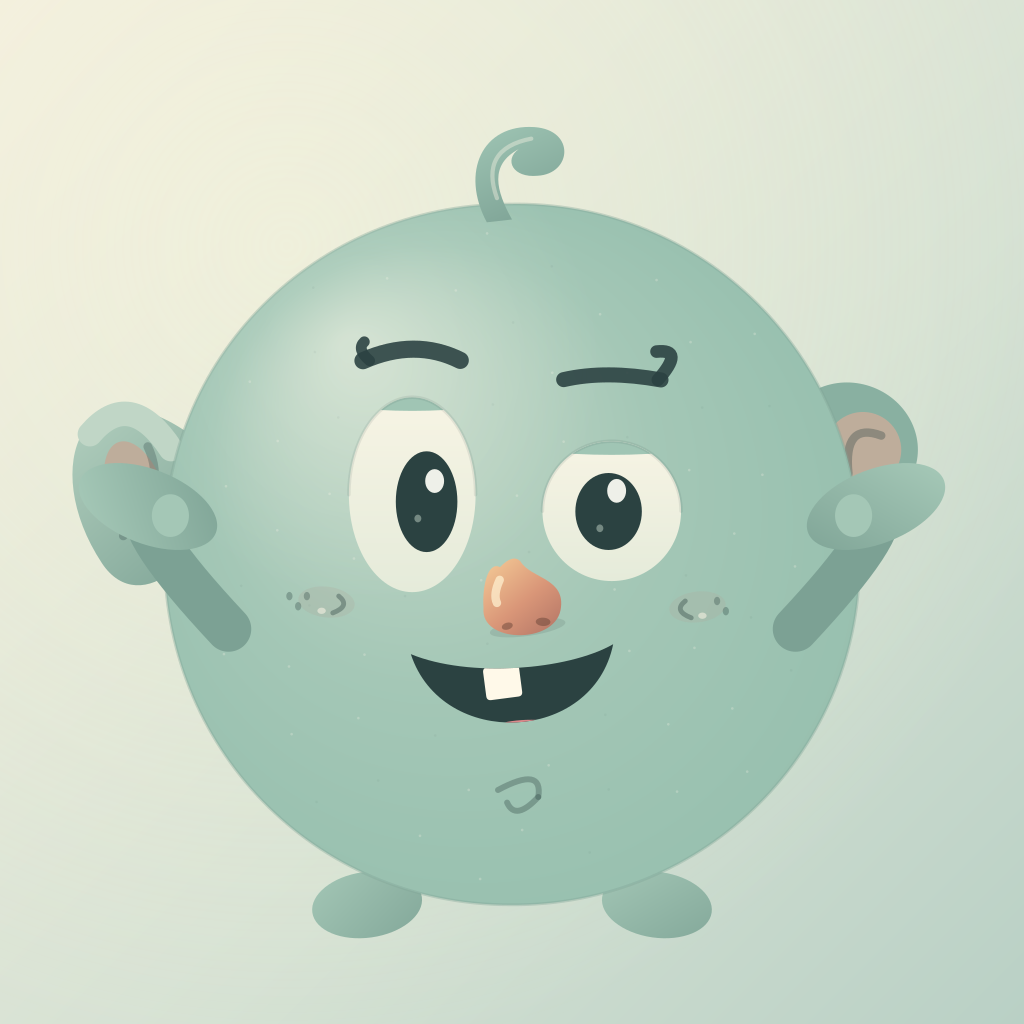
Tenso is a playful pocket companion from CURITEX Ltd for iPhone and iPad. Give Tenso a mood, explore a funny face and turn your scribbles into a flower meadow.
All play features are included in the app download. There are no accounts, adverts, subscriptions or in-app purchases. The App Store displays the price for your region before you buy.
How to play
- On the welcome screen, choose a mood for Tenso and see the expression change. You can use the optional feeling check-in or choose Skip the check-in.
- Choose Play with Tenso. Draw across the character, touch and hold, or explore the ticklish spots. Choose Let it settle for me for a hands-free journey.
- Watch your lines grow into stems, leaves and flowers. Tenso smiles as the meadow appears.
- Tap the ground for more flowers or the pond for ripples. Try Dawn, Dusk and Moonlight, or choose Keep this garden to save or share an image.
Sound, touch feedback and movement
Open the settings icon to choose sound, optional touch feedback and reduced motion. Sound and touch feedback start switched off. Tenso also follows the device’s Reduce Motion preference. Touch feedback depends on the device’s hardware.
If you cannot hear sound, check Tenso’s sound setting, the device volume, silent mode and your connected audio output. If a call or another app interrupts play, return to Tenso and resume the paused session.
Does Tenso need internet?
Play, sounds, artwork and the short research summaries work offline. Opening an external research article needs an internet connection. Saving or sharing a garden through another service may also need internet, depending on the destination you choose.
About stress and the research
Why a playful pause? on the welcome screen opens short reading about stress, drawing and touch, with links to original sources. The studies have limits, and physical-touch findings do not establish a benefit from screen tapping. Tenso has not been clinically tested. It provides creative play and optional self-report, without measuring stress or treating anxiety or other conditions.
If something is not working
Try reopening the app. Your three preferences remain, but the current drawing and check-in are not saved as a history. If a scene cannot load, use the option to start a fresh session. If sharing fails, return to the garden and try Keep this garden again.
Contact support
Email curitexco@gmail.com with your device model, iOS or iPadOS version, Tenso version and a short description of what happened. A screenshot is optional. Please do not send sensitive health information.
Publisher: CURITEX Ltd, United Kingdom.